
AI assistants are now capable of reading a customer message, understanding what it is about and drafting a sensible reply in seconds. That makes them genuinely useful for customer service — and genuinely risky when deployed carelessly. A confident, wrong answer sent to a customer can do more damage than a slow, correct one.
The most effective deployments treat AI as support for the team, not a replacement for it. Here is where it helps, where it does not, and how to deploy it responsibly.
Where AI assistants help most
Triage and routing
Every support message must be read, understood and sent to the right place before work begins. AI is well suited to categorising messages by topic, detecting urgency and identifying the product or order involved. Even when people still write every reply, faster routing shortens response times.
Finding the right answer
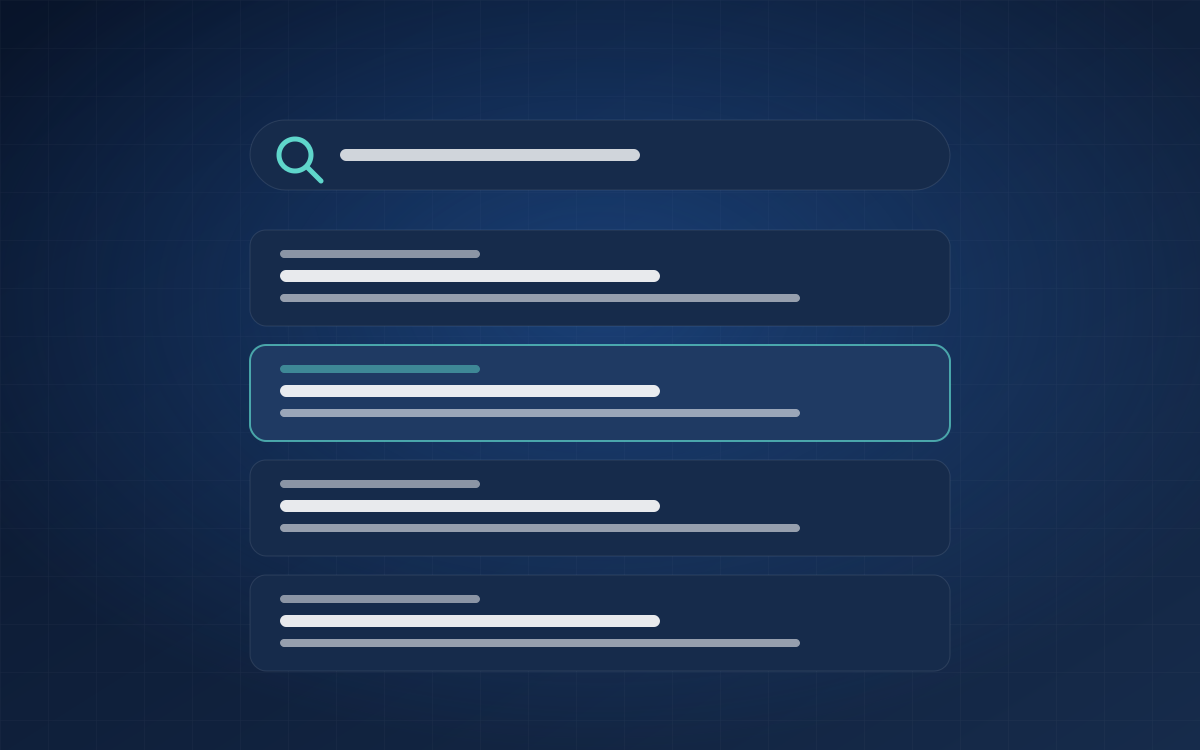
Agents spend a surprising amount of time searching documentation and old tickets. An assistant connected to an approved knowledge base can surface the most relevant articles for each ticket, with links to the source. This approach — often called retrieval-augmented generation — grounds answers in your content rather than the model's general knowledge.
Drafting replies for review
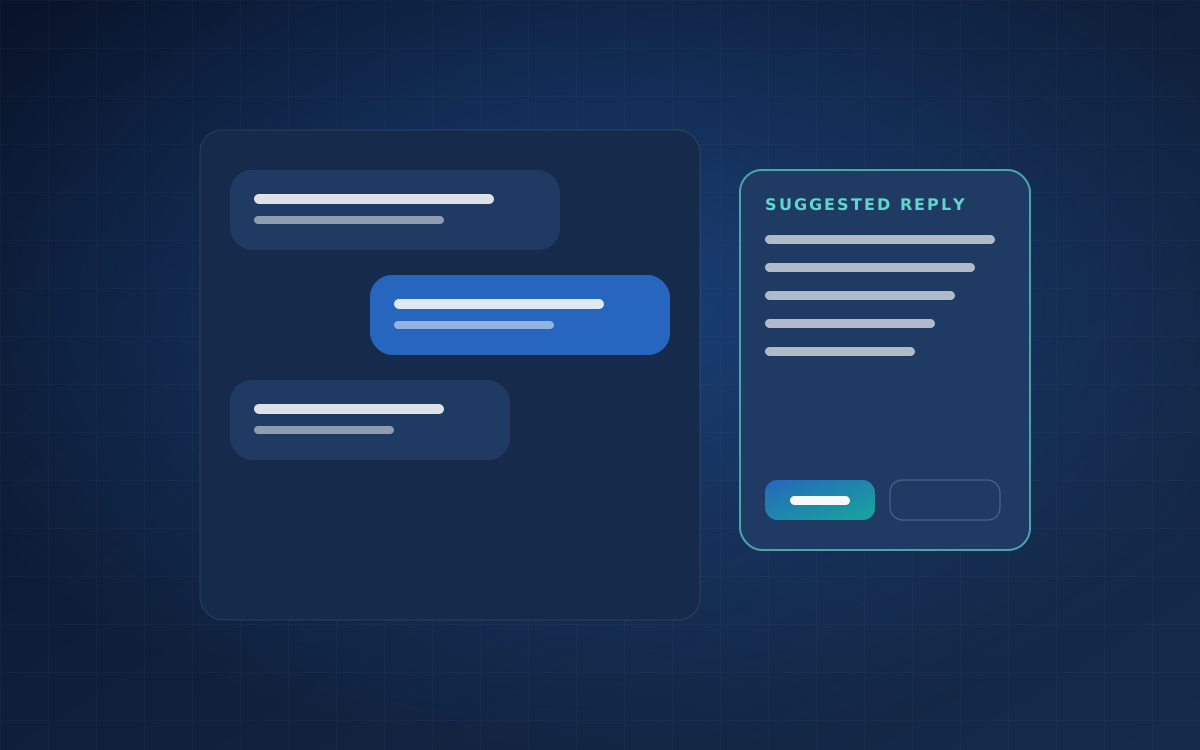
For common questions, an assistant can draft a reply using the relevant knowledge-base content and the customer's context. The agent reviews, edits and sends it. This keeps a person accountable while removing much of the typing.
Summarising long histories
When a case has a long thread or is handed to another team, a concise summary of what has happened and what is outstanding saves time and reduces the chance that the customer has to repeat themselves.
Spotting trends
Categorised tickets reveal patterns: a confusing checkout step, a frequently misunderstood policy, a recurring product issue. Fixing these at the source reduces future contact volume.
Where to be cautious
- Sensitive situations. Complaints, bereavement, financial hardship, safety concerns and security issues need human judgement and empathy.
- Policy exceptions. Refunds, compensation and contractual commitments should be decided by people with the authority to make them.
- Questions outside your knowledge base. If the assistant cannot find a grounded answer, it should say so rather than improvise.
- Regulated advice. Medical, legal and financial guidance carries specific obligations and should not be generated automatically.
Safeguards that make AI trustworthy
Ground answers in approved content
Connect the assistant to a maintained knowledge base and require it to base answers on that content, with citations. Keep the knowledge base current — outdated articles produce outdated answers.
Keep a human in the loop
Start with suggestions that agents approve. Measure how often drafts are accepted unchanged, edited or rejected. Only consider sending responses automatically for narrow, low-risk categories with proven accuracy — and always provide an easy route to a person.
Define clear boundaries
Write down what the assistant may do on its own, what requires approval and what it must never do. Configure escalation rules for sensitive topics.
Be transparent with customers
If customers interact directly with an automated assistant, identify it clearly and make it easy to reach a person.
Protect customer data
Choose AI providers and configurations that meet your data requirements, including whether data may be retained or used for training. Send only the information needed for the task, and avoid including unnecessary personal details in prompts.
Monitor continuously
Track accuracy, escalation rates, customer satisfaction and cost. Review a sample of AI-assisted conversations regularly, and update the knowledge base and rules based on what you find.
A sensible rollout plan
- Organise the basics. A structured ticketing workflow and a clean knowledge base are prerequisites. AI cannot fix a chaotic process.
- Start with internal assistance. Triage suggestions and article recommendations for agents carry little risk.
- Add draft replies for common topics. Measure acceptance and edit rates.
- Expand carefully. Extend to more topics as accuracy is demonstrated.
- Consider customer-facing automation last, for narrow, well-understood questions with clear escalation.
The goal
The aim is not to remove people from customer service. It is to remove the repetitive parts of the job so agents can spend their time on the conversations where expertise, judgement and empathy matter most.
If you are considering AI for your support operations, we can help you assess where it fits and design safeguards that suit your business.